Virtual try-on
What would this set look like on me?
Your eyes. Your style. Take a photo, explore a lash look on your own face, and find a favorite before you book. Made for every client.
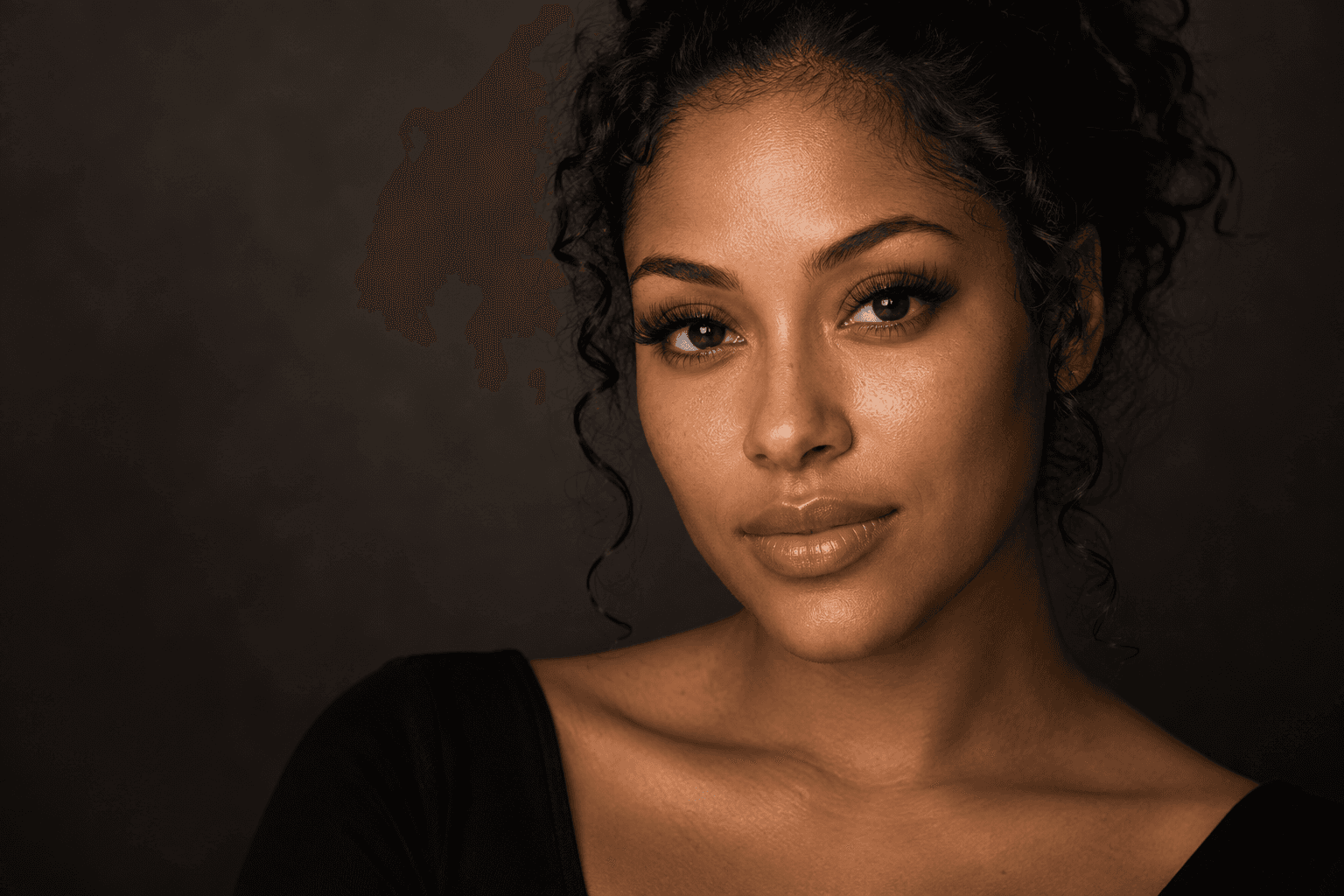
Signature feature · Virtual try-on
Your eyes.
Before and after.
Take a photo of your eyes. Explore lash styles on your own face. Compare before and after, then share your favorite with your artist.
Choose an example client
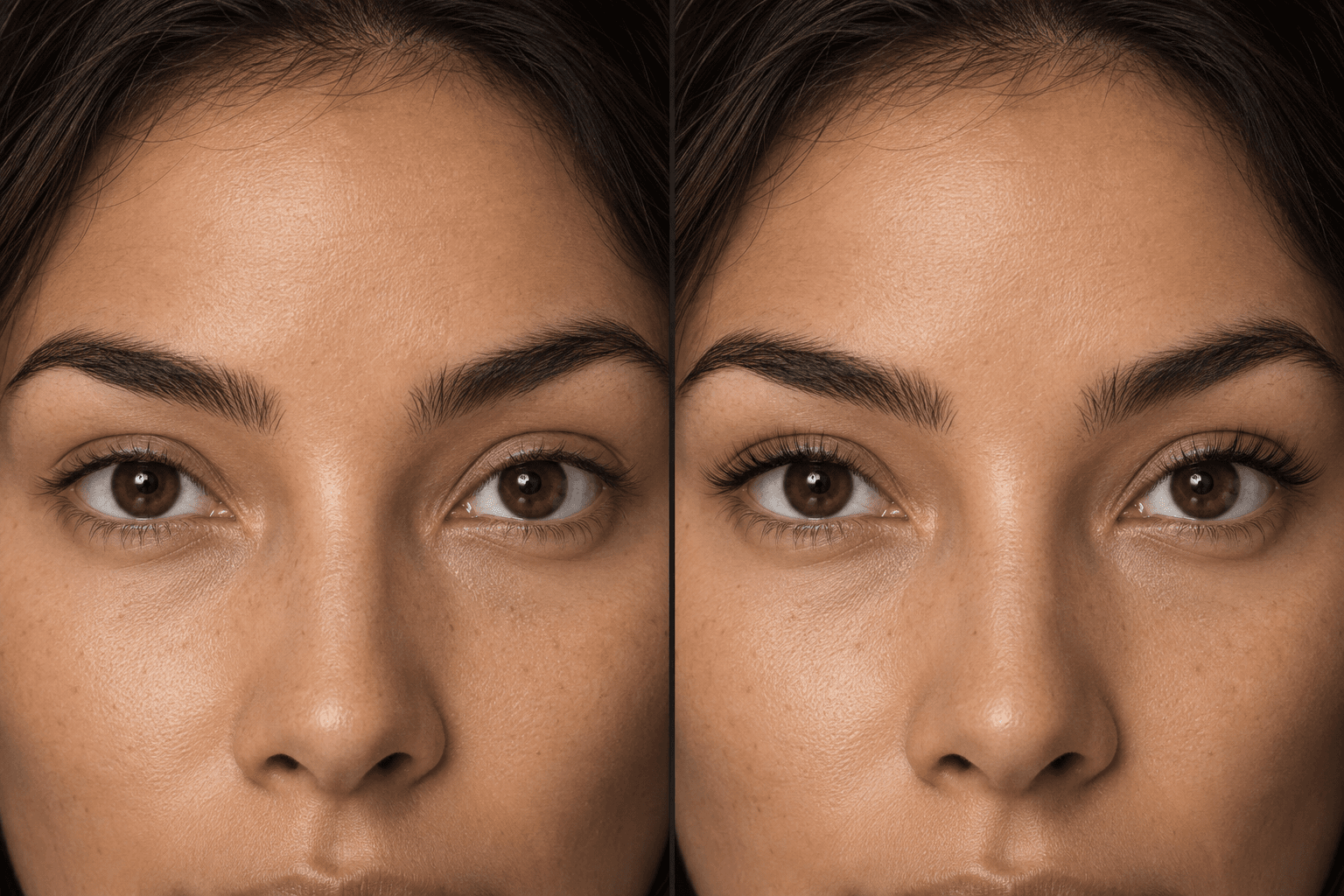
Client 01: Natural
An everyday look that feels like you.
Example photos · Not a live try-on result. The live try-on draws on your own photo.
- Your own photo
- Your favorite style
- Saved for your artist
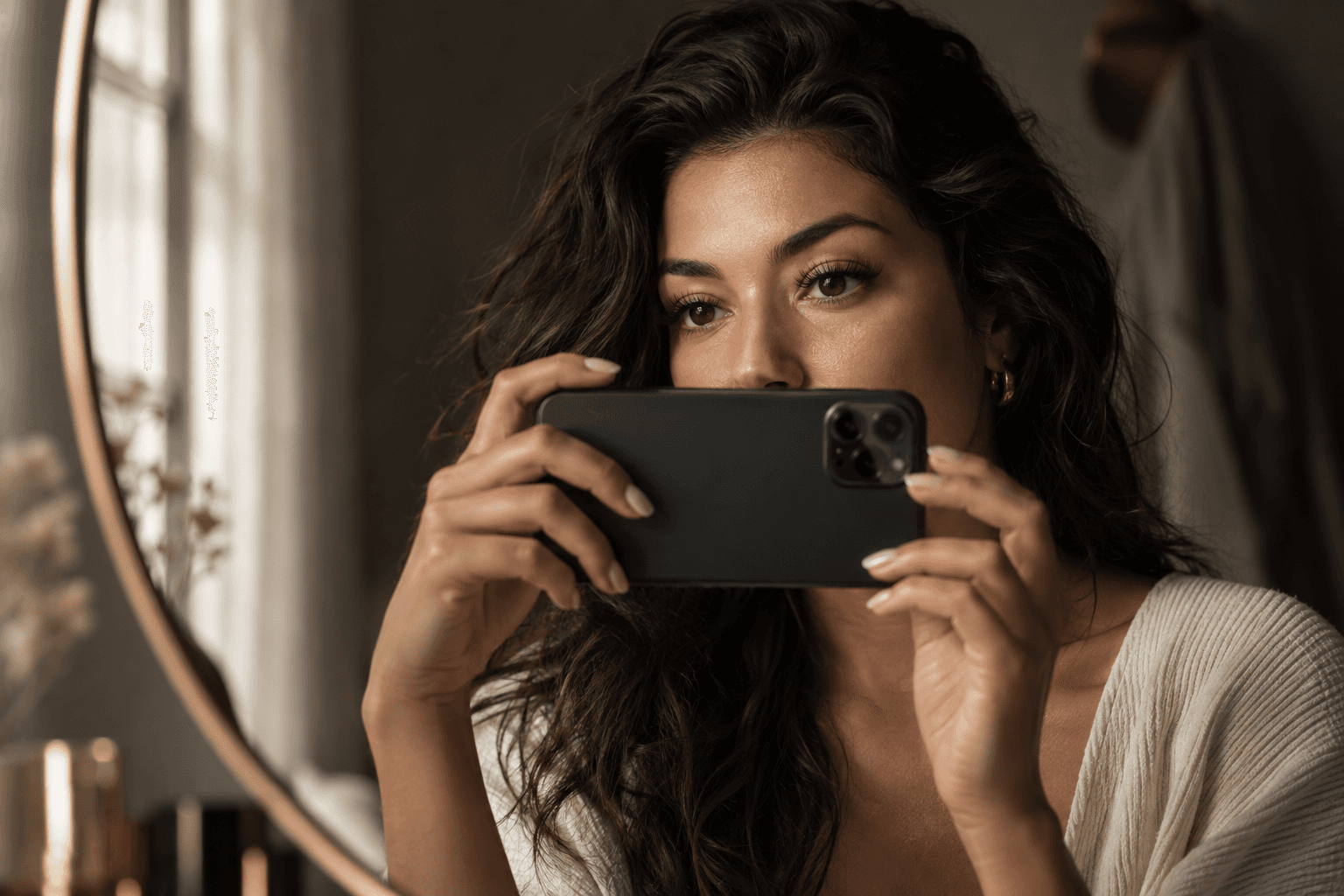
Preparing a photo · Editorial scene
How it works
Four steps, all on your phone.
Take or upload a photo
A frontal, open-eye photo in decent light. LASHVAULT coaches the shot.
Your eye shape is mapped on your device
Eye and iris landmarks are detected in your browser. Your photo stays on your phone during this step.
Preview a set on your own lash line
Every lash follows the curve of your lid. The preview illustrates relative length and fullness; your artist checks the final fit at the appointment.
Save your look and book
Browse your artist's templates, adjust lengths section by section, save a favorite, and attach it to your booking.
For the artist
The pretty preview is also the technical map.
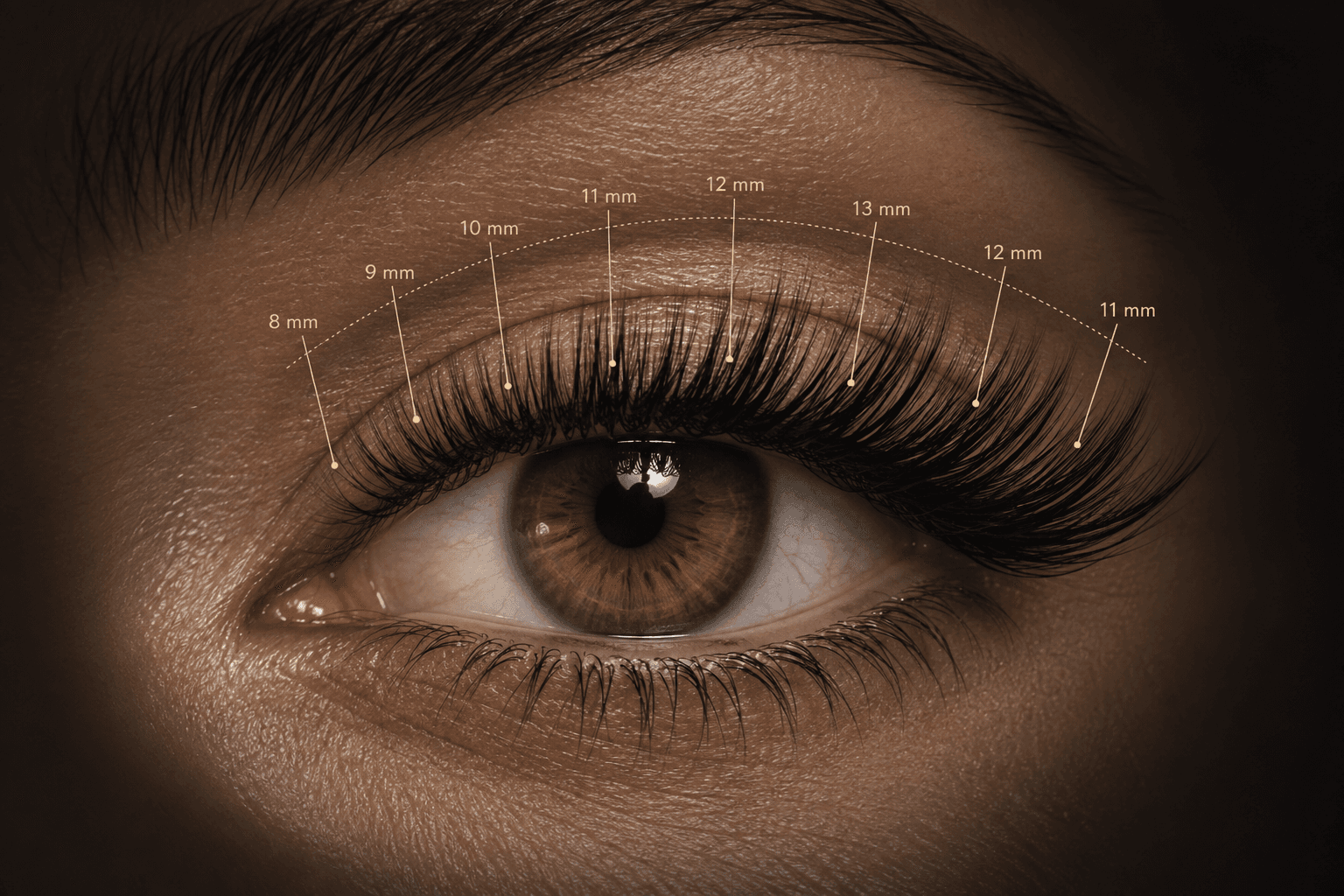
The try-on is not a filter laid over a photo. It is a rendering of a lash map: per-section lengths, curl, diameter, fullness, wisps, and spikes. When a client changes the outer corner from 12 mm to 14 mm, the map changes and the picture follows.
The look your client attaches to their booking arrives on your screen as a starting map to review, editable before you start, and saved to their record with the appointment.
Read our guide: What is a lash map?
Set the right expectation
It is a design preview, not a photograph.
What the preview illustrates
- Shape: cat eye, doll eye, open eye, natural, or custom.
- Relative length distribution across the lash line.
- Curl and fullness, from classic to mega volume.
- Both eyes independently, including asymmetry.
What it does not do
- It does not simulate lighting, fiber texture, or skin.
- It works best on a frontal, open-eye photo and will ask for another if the angle is too far off.
- It is not a substitute for the artist’s judgment about what a client’s natural lashes can carry.
Privacy
Your photo. Your choice.
- Eye landmarks are computed in the browser and discarded after the look is saved. No face template is ever stored.
- Only the photo you choose to save, the preview, and the map are stored, with your consent, and only your artist can see them.
- Photo consent for records and photo consent for marketing are separate, recorded choices.
Full details in the privacy policy.
Give your clients the try-on first.
Founding members get the try-on first and help decide which templates ship at launch.